AI summary that skips the fluff
Turn long YouTube videos into a crisp TL;DR, key takeaways, and topic overview without watching the whole thing.
 Free YouTube tools
Paste a YouTube link. We transcribe, translate, and generate an AI summary—no file upload.




Trusted by creators, researchers, educators, and global teams reviewing video content at scale.
Summarize YouTube videos faster with transcript, translation, and recap output in one place, including both long-form videos and Shorts.
Turn long YouTube videos into a crisp TL;DR, key takeaways, and topic overview without watching the whole thing.
Summarize full-length YouTube videos and YouTube Shorts with the same workflow, whether you need a quick recap or fast triage.
Get the transcript and summary in your chosen language so international research and learning take less effort.
Read the original transcript with timestamps, scan sections quickly, and pull quotes or notes with context intact.
Extract the core meaning of interviews, tutorials, podcasts, product demos, and competitor content in minutes.
Paste a public YouTube link and get summary, transcript, and translation output in one place without a separate upload flow.
Built for people who need to understand spoken video content quickly, not just generate a short paragraph and move on.
Video Summary
Some videos are worth understanding but not worth watching from start to finish. This YouTube video summarizer pulls the main argument, the supporting points, and the covered topics into one readable result. It is useful for podcast episodes, interviews, product reviews, recorded talks, and training videos where the signal is spread across a long timeline.
Transcript + Translation
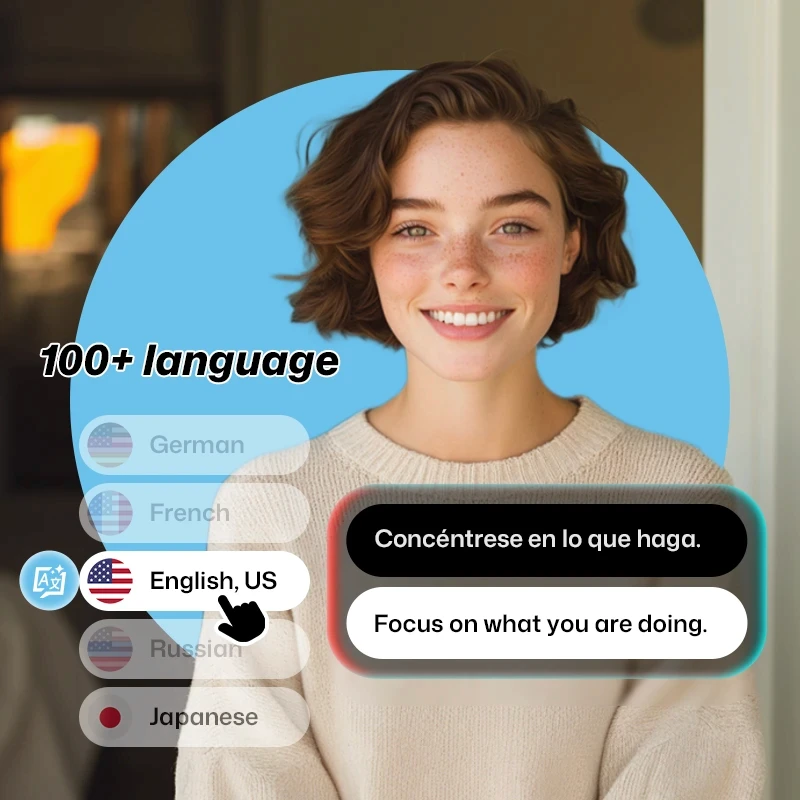
The result is more than a short synopsis. You also get the source transcript and the translated version, which makes the page useful for bilingual review, cross-border research, and repurposing ideas into articles, briefs, or social content. For teams working across markets, this helps reduce rewatching and back-and-forth clarification.
Content Research
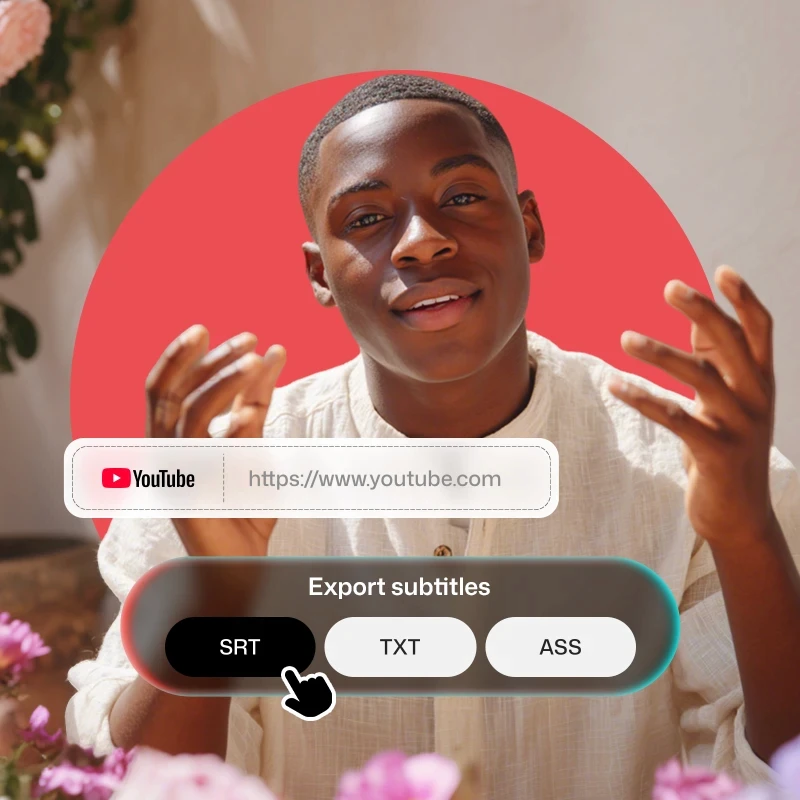
When you are comparing multiple videos on the same topic, speed matters. Instead of taking notes by hand, you can summarize each video, compare themes, and decide what deserves a deeper watch. It works well for agency research, creator planning, product education, language learning, and internal knowledge capture.
No Upload Required
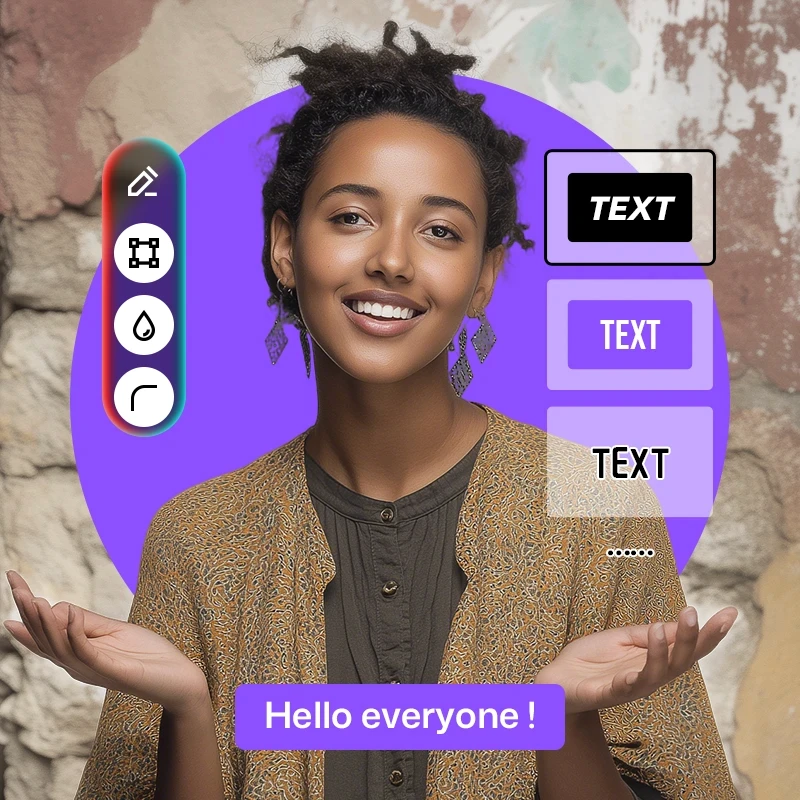
The workflow is intentionally lightweight. There is no local upload step for supported YouTube links, which makes the tool easier to use on mobile, faster for repeated analysis, and more practical for teams reviewing many videos in a row. Paste the link, choose the output language, and let the system handle the transcript, translation, and summary pipeline.

Paste the link, let AI process the spoken content, then review the summary and transcript output on the result page.
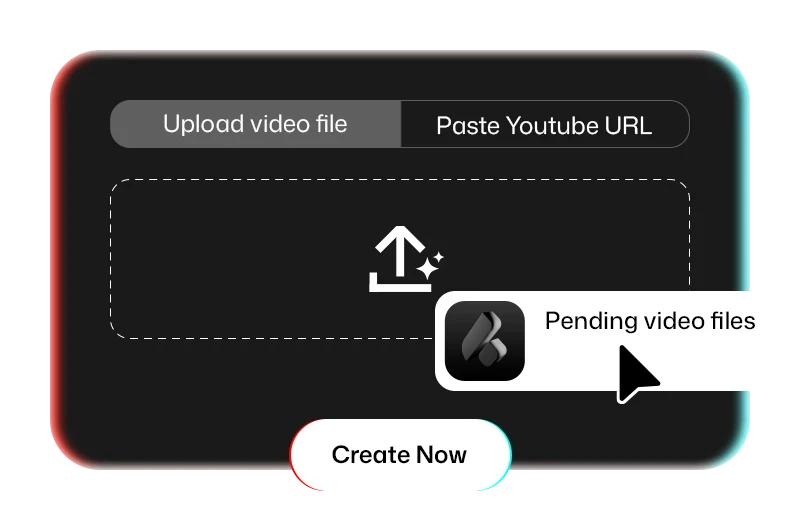
Add the public YouTube video link, choose the source language if you know it, and select the language you want for the summary and translation output.
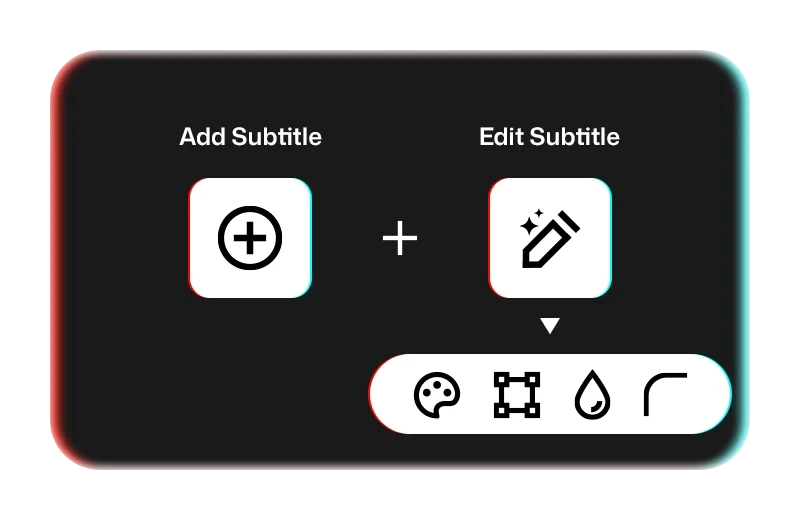
We check the video duration, transcribe the spoken audio, and translate the transcript into your chosen language while keeping timestamps organized.
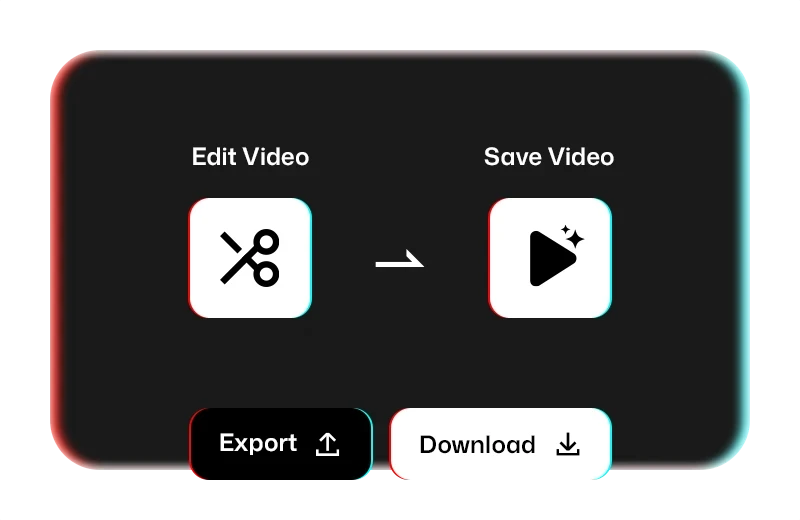
Open the result page to review the TL;DR, key points, translated transcript, and original transcript in one place for quick scanning or deeper reading.
From research and learning to content planning, the value is not only the summary itself but how much time it saves afterward.
I use it when I am researching guest interviews and conference talks. The summary tells me whether the video is worth a full watch, and the translated transcript helps when the speaker is not using my native language.
Mia Carter
Content Strategist
I compare a lot of creator content and product explainers every week. Being able to summarize the video and read the transcript in one view makes the whole process much faster than scrubbing through YouTube manually.
Evan Moore
Growth Researcher
I follow tutorials and lectures in English, Japanese, and Spanish. The translated summary gives me the big picture first, then I can use the transcript tab to focus on the parts I actually need.
Lina Park
Independent Learner
We use it to turn long source videos into briefs for writers. The key points are clear, the transcript is easy to scan, and it saves a lot of time when we are building outlines from video-heavy research.
Noah Bennett
Editorial Lead
Anyone who regularly learns from, researches, or reports on video content can move faster with summaries plus transcripts.

Summarize competitor videos, industry commentary, launch recaps, and creator interviews to spot messaging patterns and content angles faster.
Turn lectures, talks, and educational videos into a readable study aid with a summary first and transcript details second.

Process many YouTube sources quickly, compare themes across videos, and reduce the time spent watching content that turns out not to matter.

Share video takeaways across markets with translated summaries and transcripts that make the same source material easier to discuss internally.
Common questions about AI video summaries, transcripts, and translated output.
Paste a public YouTube video URL, choose the output language, and submit. The system checks the video duration, transcribes the spoken audio, translates the transcript, and generates an AI summary with key points and topic coverage.