Bilingual Support
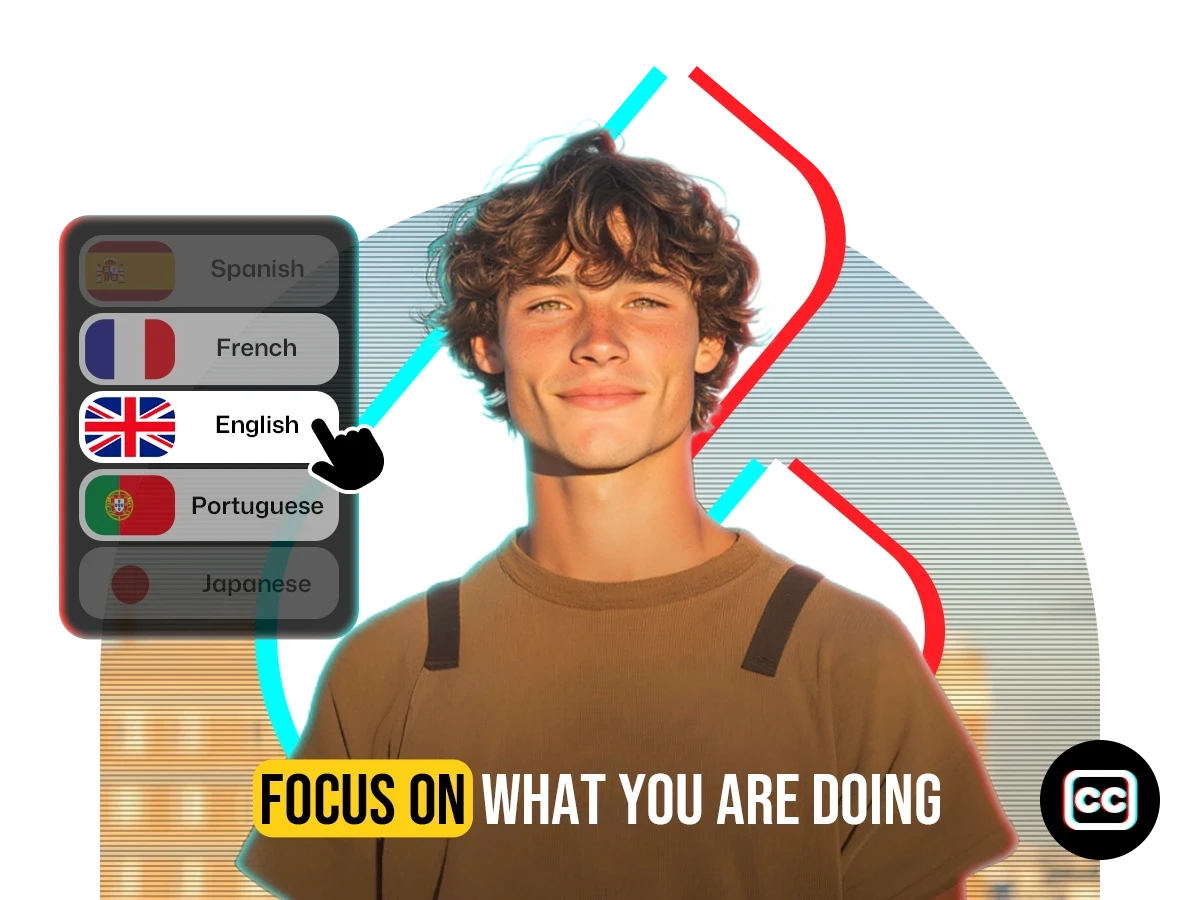
Display source and translated subtitles side-by-side or choose translated-only.
Upload your video to auto-translate subtitles in 100+ languages. Export as SRT/TXT or get a video with subtitles embedded.




Trusted by 10,000+ creators and businesses.
From translation to styling, everything you need for global-ready captions.
Display source and translated subtitles side-by-side or choose translated-only.
Download MP4 with embedded subtitles, or SRT / TXT files instantly.
Get subtitles that reflect real meaning, not just literal words.
Control every subtitle detail — layout, font, timing, and styling.
Use diverse trendy templates to save time and stay on brand.
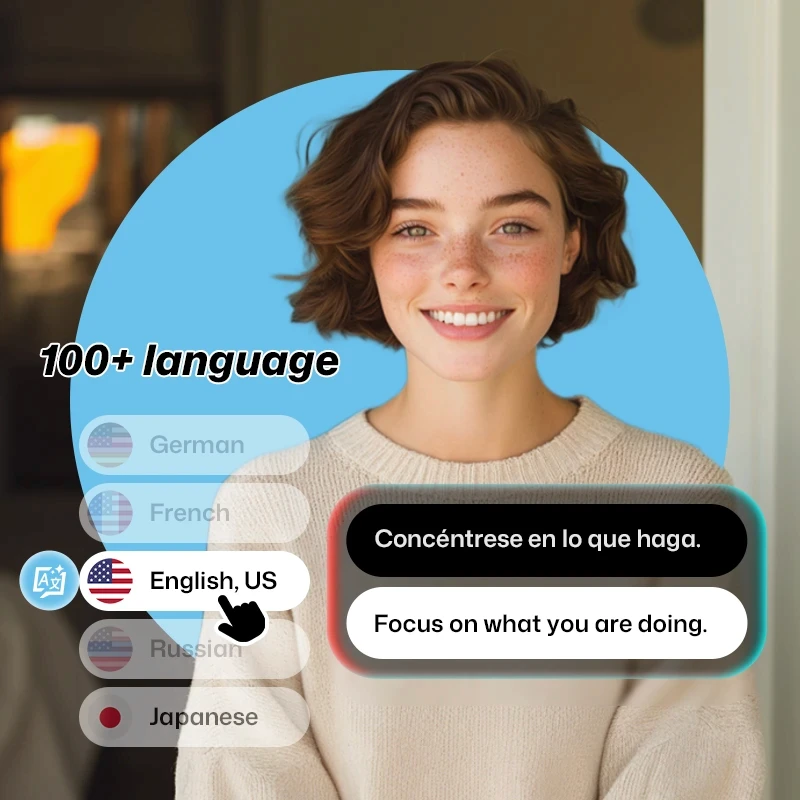
Translate your captions into any of 100+ supported languages.
Generate multilingual captions in minutes with AI accuracy and creative control.
Accurate Translation
Unlike basic subtitle generators, our tool preserves the tone and style of your original dialogue. From sarcasm to sincerity, it translates context and emotion — not just words — so your subtitles feel real, fluent, and audience-ready.
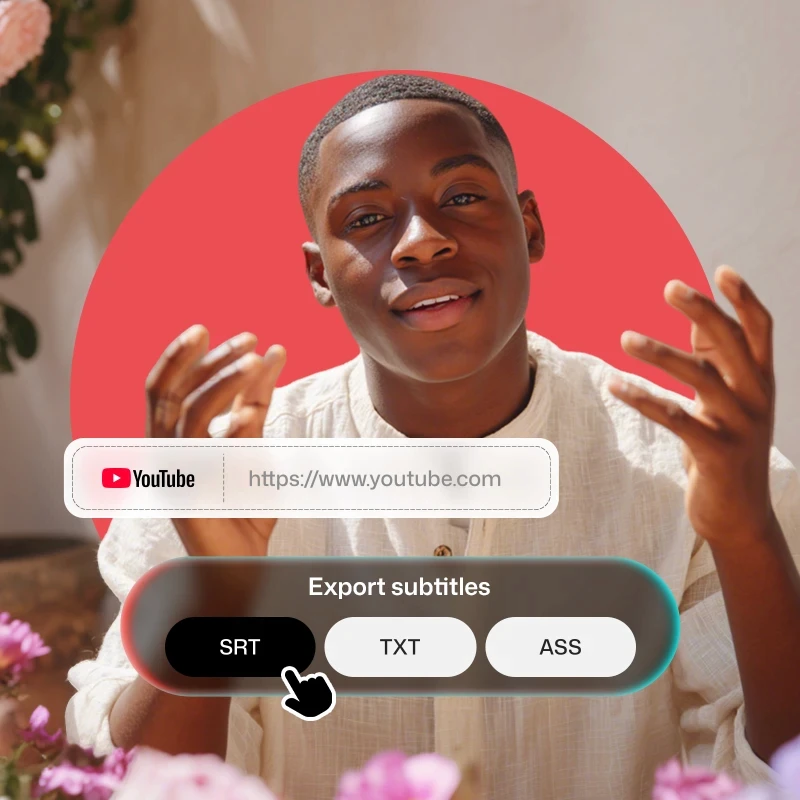
Flexible Workflow
Upload videos or paste a YouTube URL, subtitles generate in minutes. Edit live, preview changes, and export as SRT, TXT, or fully subtitled MP4 videos. Our subtitle translator fits your creative pace without slowing you down.
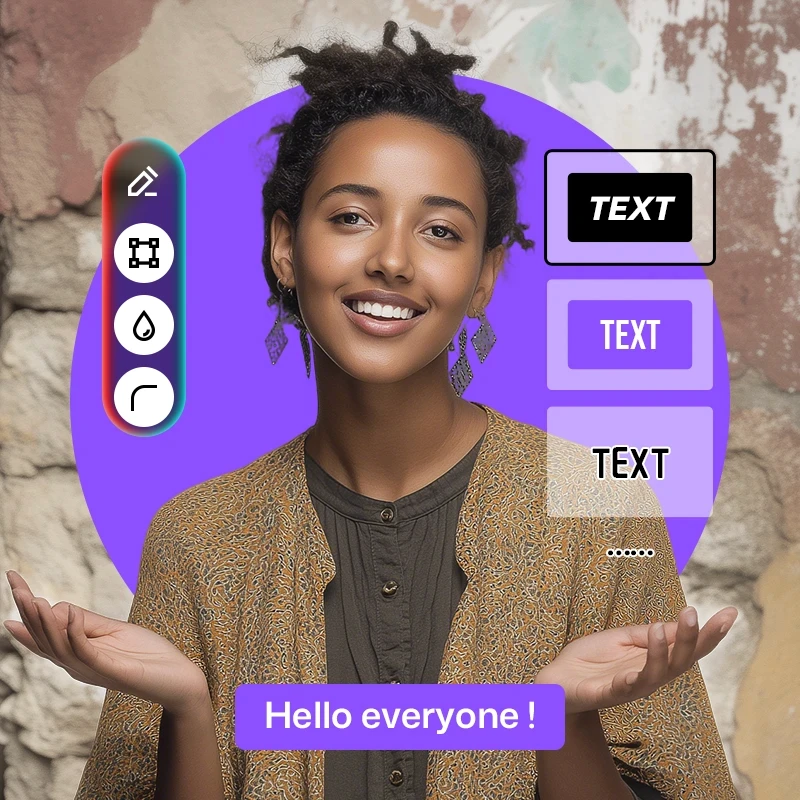
Custom Styling
Take full control of your subtitle design: adjust fonts, colors, size, position, and timing. Choose from 40+ templates or create your own. Whether it's for social, branded, or cinematic content — style it your way.
All-in-One Tool
Need more than just captions? Translate voiceovers, add clean narration, mute background tracks, and auto-resize your video for Instagram, TikTok, or YouTube. One tool, full control — no extra software needed.

Upload, translate, export. Creating high-quality multilingual subtitles is that simple.
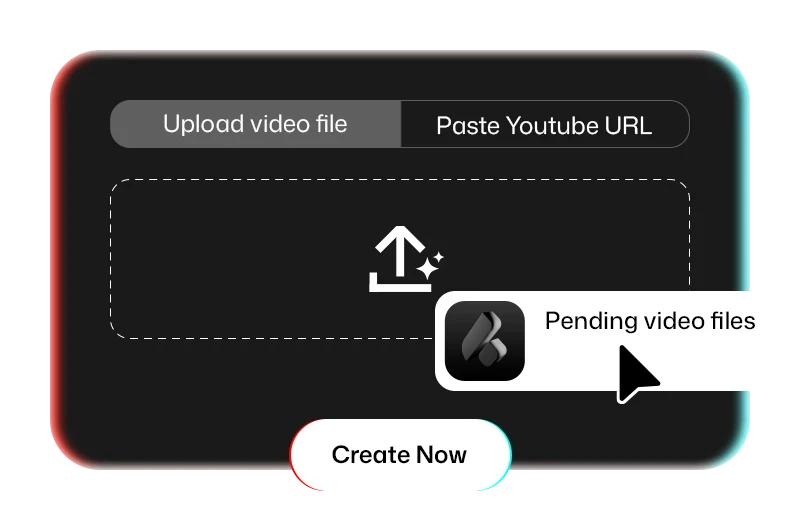
Click "Add Subtitles" to get started. In the popup window, enable the bilingual toggle, select your desired target language, and hit submit to begin the translation process.
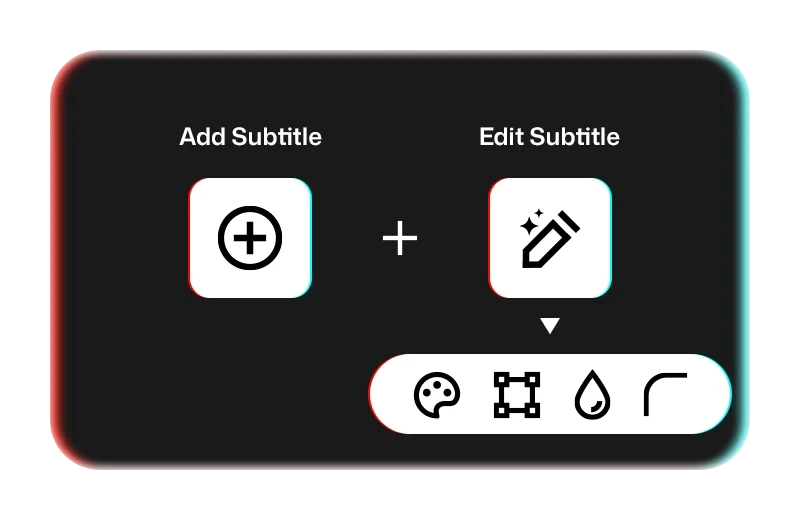
Fine-tune your subtitle text and styling in the editing panel. All changes are instantly reflected in your video preview for real-time feedback and adjustment.
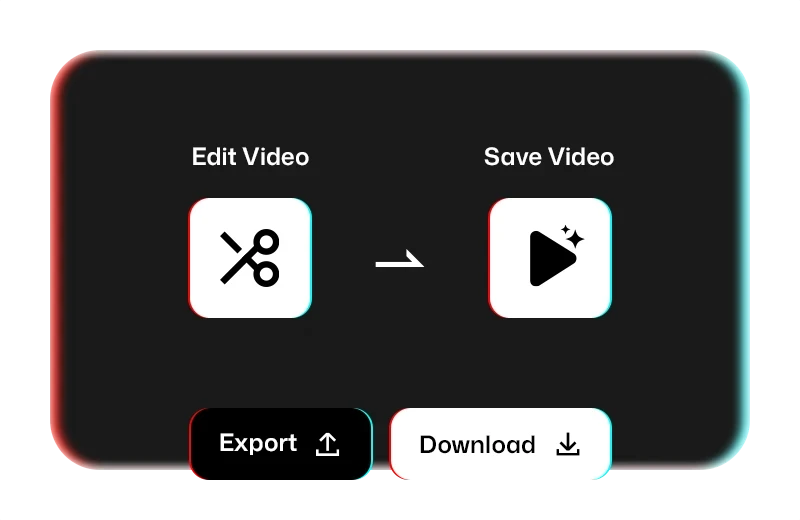
Export your video with hardcoded subtitles as a high-quality MP4 file, share it directly via link, or download the subtitles separately as an SRT file.
See what creators worldwide are saying about our subtitle translation.
I edit long-form video essays for YouTube, and this tool has saved me hours. The real-time subtitle editor is smooth, and I love that I can tweak fonts, colors, and placement to match my branding.
Josh Turner
Film Student
Uploading the videos and getting accurate bilingual subtitles (English + Japanese) was quite fast. What really impressed me was how natural the translation sounded — not robotic like most auto-sub tools.
NaokoSays
College Student
I've worked with a lot of subtitle tools, and most of them are either clunky or look dated. This one nails the basics — SRT editing is fast, timestamp control is precise, and the preset styles are actually usable.
alex_edit
Post Production Freelancer
We make demo videos for our products and needed a quick way to add subtitles in Portuguese, French, and Arabic. This tool handled it all, transcribed, translated, styled, and exported videos ready for social.
Lorenzo Park
Marketing Assistant
See how multilingual subtitles help real people connect, grow, and communicate across borders.

Break language barriers and reach global fans. Add eye-catching subtitles in 100+ languages and use trending styles to boost engagement across TikTok, YouTube, Instagram, and more.

Make complex topics easier to understand by adding native-language subtitles. Whether you're teaching online courses or sharing knowledge across borders, clear subtitles help every learner stay on track.

Turn one video into many with subtitles that preserve tone and brand voice. Speak to international customers with localized messaging that converts, all without re-recording your content.

Create multilingual training videos that ensure clarity across global teams. From onboarding to compliance, deliver consistent, culturally accurate messages that resonate in every office.
Frequently Asked Questions for AI Subtitles & Captions Translation
Translating captions with VidTranslate is quick and easy. Just upload your video or paste a YouTube link, choose the original and target languages, and let our AI handle the rest. You can fine-tune subtitles in the editor and export them as MP4, TXT or SRT files.