Extract in Seconds
Get subtitles from any video in under 2 minutes
Extract subtitles from any video in 100+ languages with AI. Export as SRT or TXT in seconds.
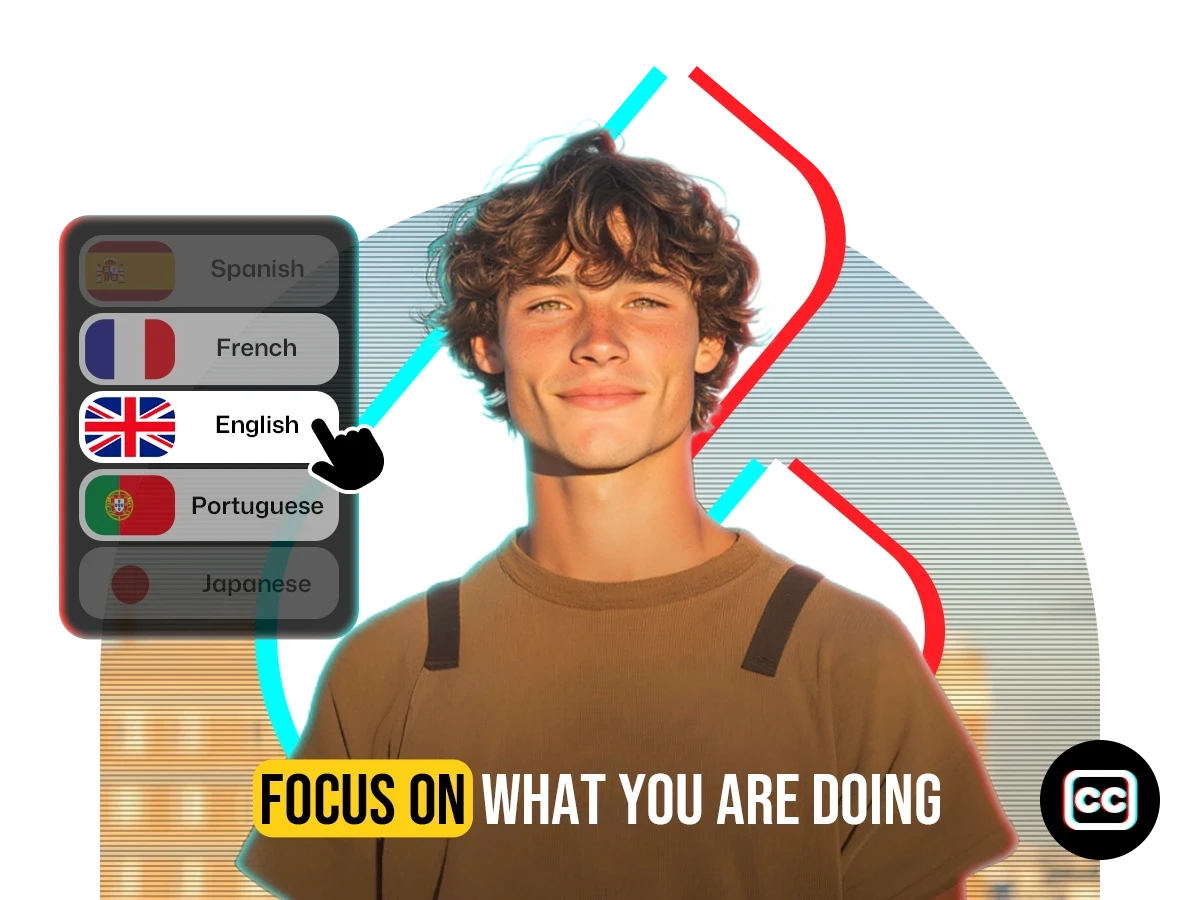




Trusted by 10,000+ creators and businesses.
Transcribe and download subtitles in any language instantly
Get subtitles from any video in under 2 minutes
99.9% accurate subtitle extraction with AI
Multilingual support for any video content
Export captions your way — SRT, ASS or plain text
Modify sync and text content with total control
Download subtitles from YouTube in one click
Generate multilingual captions in minutes with AI accuracy and creative control.
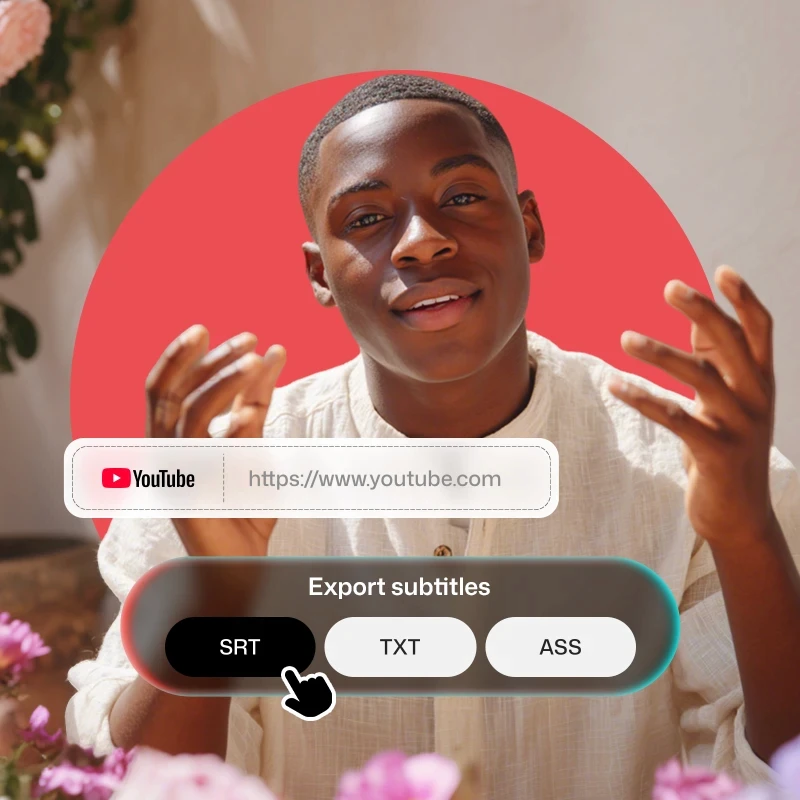
Extract subtitles from any video with a single click. Our online subtitle extractor supports SRT and TXT downloads, making it easy to caption, translate, or repurpose content instantly, no manual work needed.
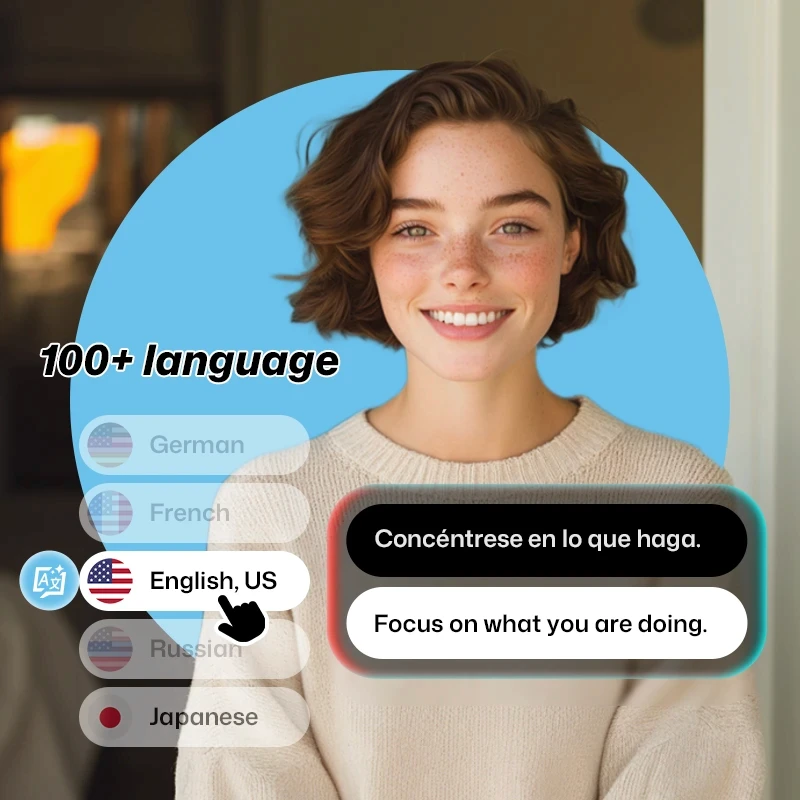
Generate subtitles and transcribe video content in 100+ languages with cutting-edge AI. Whether you're captioning a tutorial or localizing global content, get accurate, ready-to-export results in seconds.
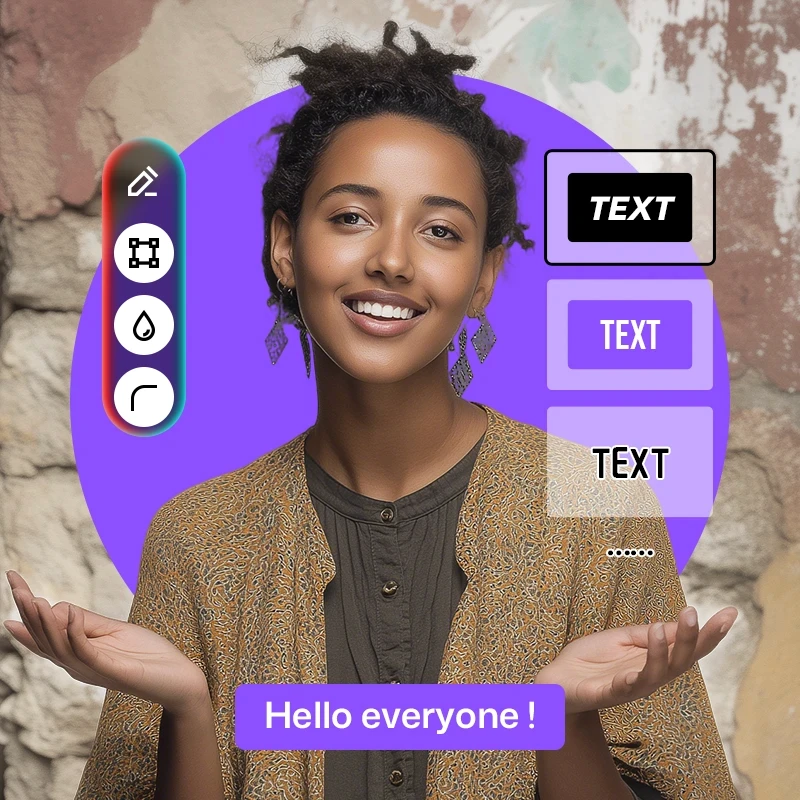
Edit subtitles in real-time with a beginner-friendly interface. Adjust sync timing, rewrite lines, or fine-tune captions directly in your browser, no software download or technical skills required.
More than just an online subtitle extractor, translate voices, generate captions, add voiceovers, separate audio tracks, and auto-resize for any platform. Everything you need for video localization, all in one tool.

Turn any video into editable, downloadable subtitles with one click.
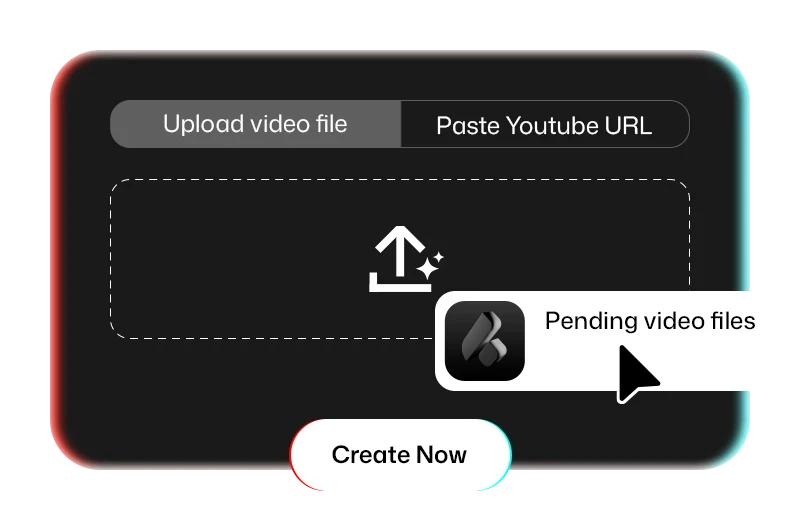
Click “Add Subtitles” to get started. Select the Original Language of your video and keep “Translated Language” set to No Translation. Submit to begin automatic subtitle extraction.
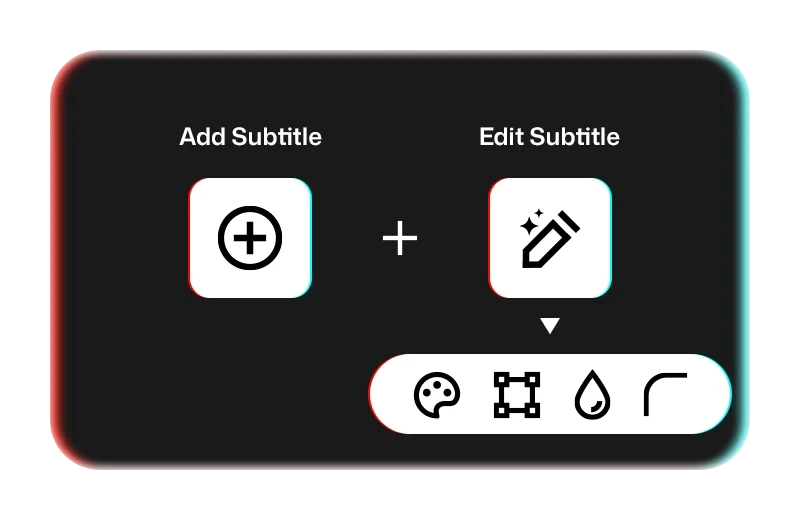
Our online subtitle extractor will process your video in 1–10 minutes, depending on its length. Once ready, click into the project to preview or edit your subtitles in the panel.
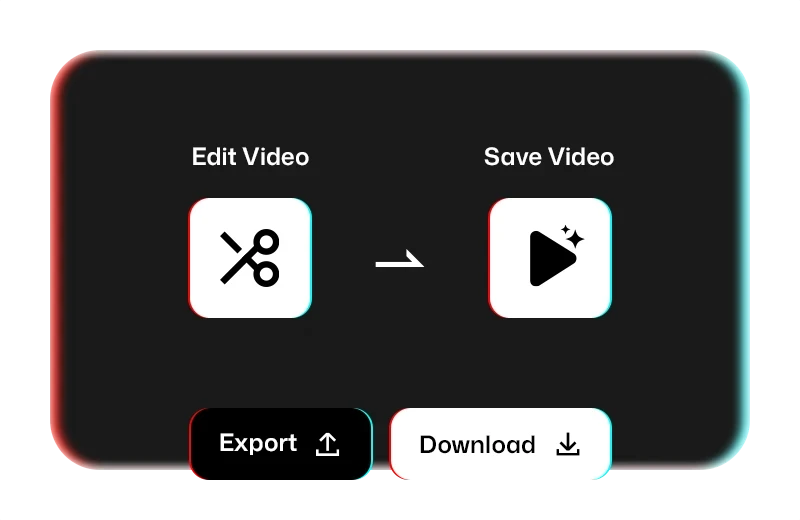
Click the Export button at the top right. Choose “Export Subtitles”, then select your preferred format — SRT, TXT, or ASS — for quick and flexible download.
See what creators worldwide are saying about our subtitle Extraction.
I uploaded a 30-minute interview in Spanish, and within 8 minutes I had clean subtitles in both SRT and TXT. Timing was spot-on. I only tweaked a couple lines. That would’ve taken me hours manually.
Josh Turner
Content Marketer
I speak Portuguese with a Brazilian accent and most tools mess up my speech. This one actually got it right, even with casual slang. I didn’t expect that level of accuracy.
RafaSilva
Online Language Tutor
Had to deliver captions in 4 languages for a client pitch. I used the extractor to get base subtitles, then translated and exported everything cleanly as SRT files. Worked seamlessly. Total time saver.
jon.eeedit
Post Production Freelancer
As someone who uses Aegisub for styling, having ASS export is gold. Most extractors skip that. I pulled text, adjusted timing slightly, and imported straight into my subtitle template.
Mateo Rossi
Fan Subber
From content creators to educators, VidTranslate makes it effortless to extract, edit, and export subtitles

Extract subtitles from your own or public videos in seconds. Make your content searchable, accessible, and ready for translation or SEO optimization with clean SRT, TXT, or ASS files.
Turn recorded lectures or lesson videos into editable subtitle files. With one-click transcription and easy export, your materials become more accessible for students across different languages and learning needs.

Need subtitles for webinars, product demos, or social content? VidTranslate extracts accurate subtitles fast, ideal for documentation, repurposing, or localization workflows.

Speed up your workflow by extracting subtitles directly from raw footage or reference videos. Instantly export in the formats you need, SRT for editing, ASS for styling, or TXT for scripts.
Frequently Asked Questions about Extracting Captions from Video with AI.
VidTranslate’s AI-powered subtitle extractor supports over 100 languages, including English, Spanish, Chinese, Japanese, Hindi, Arabic, German, Korean, French, and many more. You can view the full list in the popup window after clicking the "Add Subtitles" tab in the editing panel.